
Why do start-ups all end up looking for a truly private space?
In a start-up, an open-plan office is often the logical choice: quick to set up, conducive to communication, and adaptable to rapidly growing teams. But as soon as growth accelerates, a side effect almost invariably emerges: noise becomes a hindrance.
Between sales reps juggling back-to-back calls, the proliferation of video meetings, the noise spikes punctuating the day, and the need to settle down to write, analyse or close deals, the open-plan office quickly reaches its limits. You end up with audible sales calls, disrupted client demos, mounting fatigue and that frustrating feeling of never being able to work in peace.
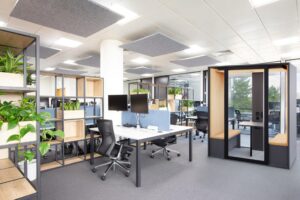
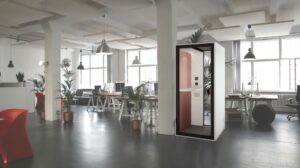
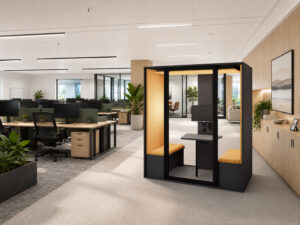
That’s why startups eventually install an acoustic booth — not as a design gimmick, but as a tool for privacy, concentration and quality communication. This guide explains when a booth is the right solution, how to choose one and what to check before buying.
Start with the use case
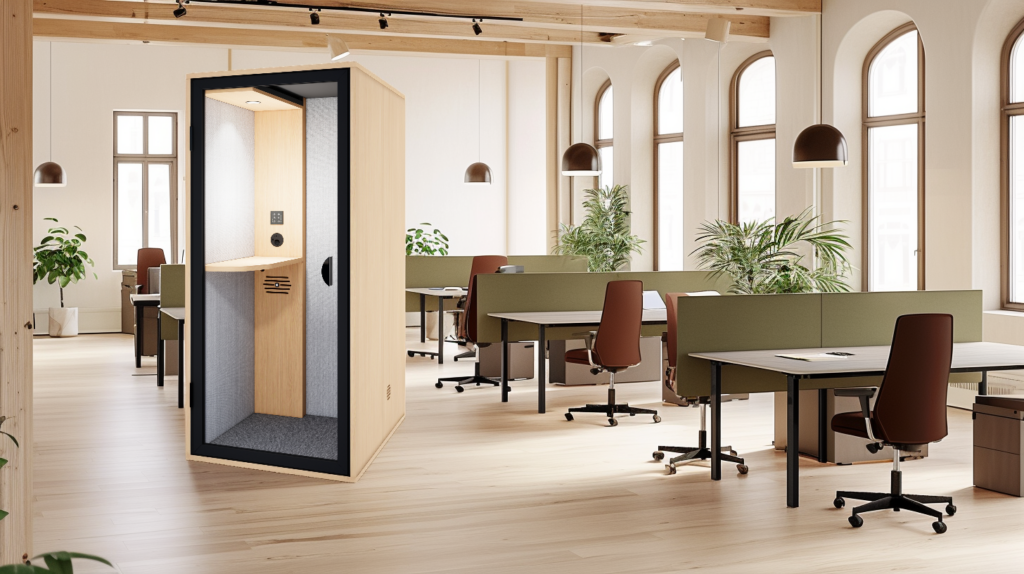
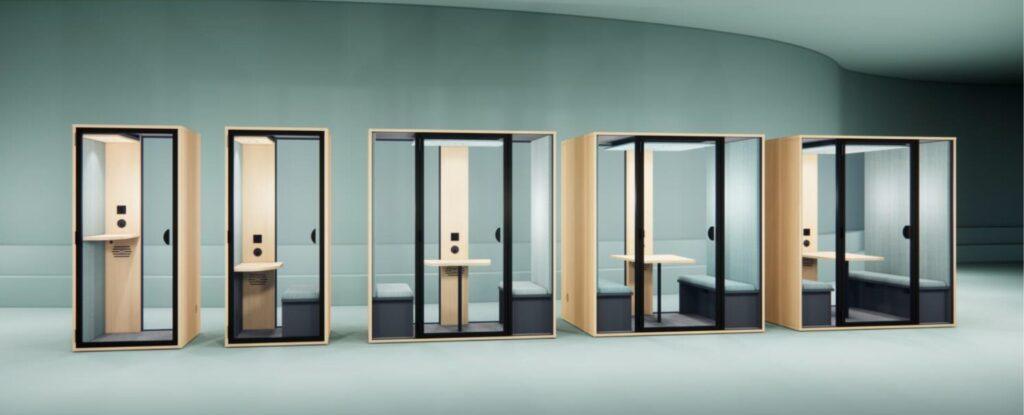
Quick calls and video chats → 1-person phone box, high turnover.
Long sessions (content, ops, finance, dev, writing) → 1-person booth with desk and seating, for sustained use.
1:1 meetings with managers, HR, feedback, negotiations → 2-person booth, table and two seats.
Demos and hybrid meetings without monopolising a room → 4-person booth, a micro-meeting room requiring no building work.
The startup shortcut that works: start small (1 to 2 booths), then scale up gradually, rather than launching a major fit-out project from the outset.
Four uses, four different priorities
Sales calls and prospecting: voice privacy
For an SDR or Business Dev team, calls come thick and fast and cover sensitive topics: objections, pricing, commercial information, negotiation. The primary need isn’t total silence — it’s a booth that provides a cocoon-like feeling and makes the voice less intelligible from the outside.
In practice: a well-fitting door, a credible sense of privacy and simple use — you walk in, close the door, and make the call.
Client video calls and product demos: audio comfort and stability
During a client video call, background noise undermines credibility even if the picture is clear. The booth shields the conversation from the studio floor and enhances the experience inside: fewer distractions, less fatigue, a more professional video call.
This point is often underestimated in start-ups: video calls fail as much because of the environment as because of the equipment. You need a booth where you can stay for 15 to 30 minutes without discomfort, with ventilation that doesn’t cause fatigue and accessible connectivity.
Concentration and deep work: ergonomics above all
Content writing, reporting, finance, product documentation, preparing for a funding round… It’s not just about ‘being in a quiet place’ — it’s about sustaining focus over time. The key difference: a short desk vs a proper standard-height desk with a chair. Lighting matters too: avoid an atmosphere that’s too cold, glare on the screen and the fatigue that sets in after 30 to 60 minutes.
Quick meetings for 2–4 people: shared use
Start-ups operate at the pace of rapid exchanges: one-to-ones, coaching, interviews, briefings, product alignments. The cubicle should be designed as a small shared space: table, benches, circulation, and more generous ventilation to ensure comfort for several people.
The three mistakes start-ups make most often
Confusing alcoves, partitions and enclosed cubicles
Partitions or alcoves improve the overall comfort of an open-plan office by reducing reverberation. But they do not provide the same level of privacy as a closed cubicle. A cubicle becomes essential when privacy and video calls become a real business priority: sales, HR, customer relations, demos.
Placing the cubicle ‘wherever there’s space left’
When the booth is too far from the teams, it becomes a hassle — and is therefore underused. If it is placed right next to a source of noise or in a high-traffic area, perceived performance drops: background noise, social stress, the ‘aquarium effect’. A booth must be positioned for its intended use, not to fill a gap in the layout.
Underestimating ventilation
A cubicle is judged on the experience after 10 to 15 minutes: the air, the heat, the ventilation noise, the fatigue. If this aspect is neglected, even a very well-designed cubicle ends up as something people avoid.
The criteria that really matter
Acoustics: aim for privacy, not total silence
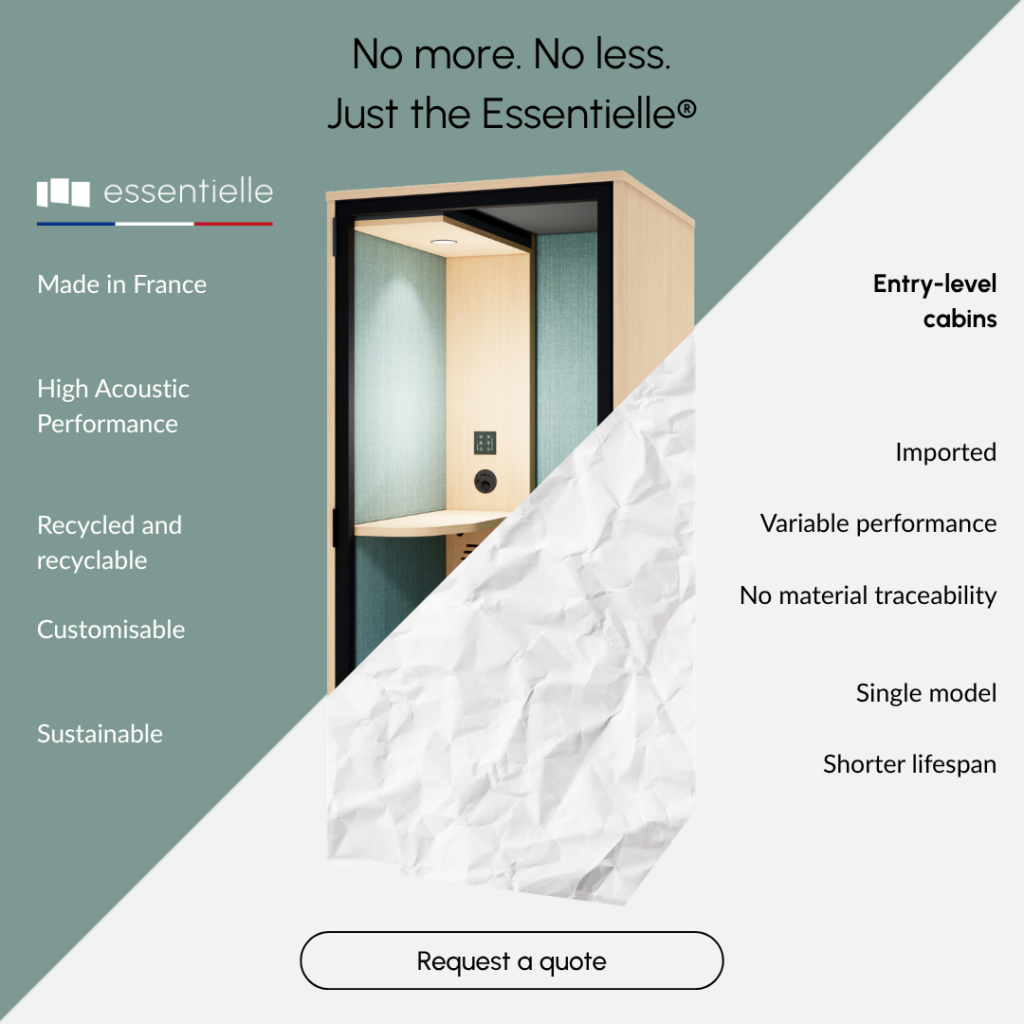
An office cubicle reduces voice transmission and improves privacy. What matters is the ability to make speech difficult to understand from outside. The benchmark for the Essentielle range: a reduction in speech level of up to −30.3 dB, measured by an independent acoustic consultancy. This is information tailored to ‘voice’ usage — more useful than a vague promise.
Ventilation: the number one criterion for adoption
A cubicle that gets too hot or stuffy is one people avoid.
Model Airflow Complete air change
S and S Office 280 m³/h < 40 seconds
M 575 m³/h < 40 seconds
L and XL 750 m³/h < 40 seconds
Key consideration: air circulation must remain unobstructed. Allow at least 10 cm between the wall and the air inlets/outlets; otherwise, comfort levels drop, and so does usage.
Lighting: the overlooked factor that ruins video calls
Lighting affects fatigue levels and perceived quality during video conferences: glare, shadows, facial rendering. The Essentielle range features an adjustable LED spotlight up to 800 lm in warm white 3,000 K (two spotlights for the XL model), with a touch-sensitive dimmer. The best real-world test: check for reflections on glasses and the screen, and sit for 30 minutes to assess fatigue.
Connectivity: plug & play or nothing
In a start-up, you’re constantly switching between: laptop, phone, headset, sometimes a wired network. If the connections are a hassle, people improvise and the experience suffers. Every Essentielle booth comes as standard with: 1 x 220 V socket, 2 x USB-C ports, 1 x USB-A port and 1 x RJ45 port. For a team on calls, this is a real benefit: simple charging, a tidy setup, and less hassle.
Mobility: a typical need for start-ups
Start-ups move, reorganise, change areas, switch to flexible working and restructure teams. The Essentielle range is based on a mobile base with built-in castors and height-adjustment legs, featuring a reversible door (opening direction of your choice).
Being able to move and stabilise the booth as needed, without the need for further building work.
Which format for which stage of growth
Seed / small team: a booth to ‘save’ the open-plan office
The priority is often a phone box (Essentielle S) for calls and video meetings. Place it near the sales team or support staff, where call volume is highest. The immediate aim: to reduce disturbances, prevent meeting rooms from becoming a battlefield, and restore concentration across the office.
The Essentielle S has external dimensions of 95 × 96 × 212 cm, offering a floor area of 0.9 m², with a 33 × 79 cm worktop at a height of 103 cm. For longer sessions, the Essentielle S Bureau adds a 43 × 79 cm desk at a height of 73 cm and an 88 × 38 cm bench.
A Series / scaling up: 2 to 4 booths with a clear usage logic
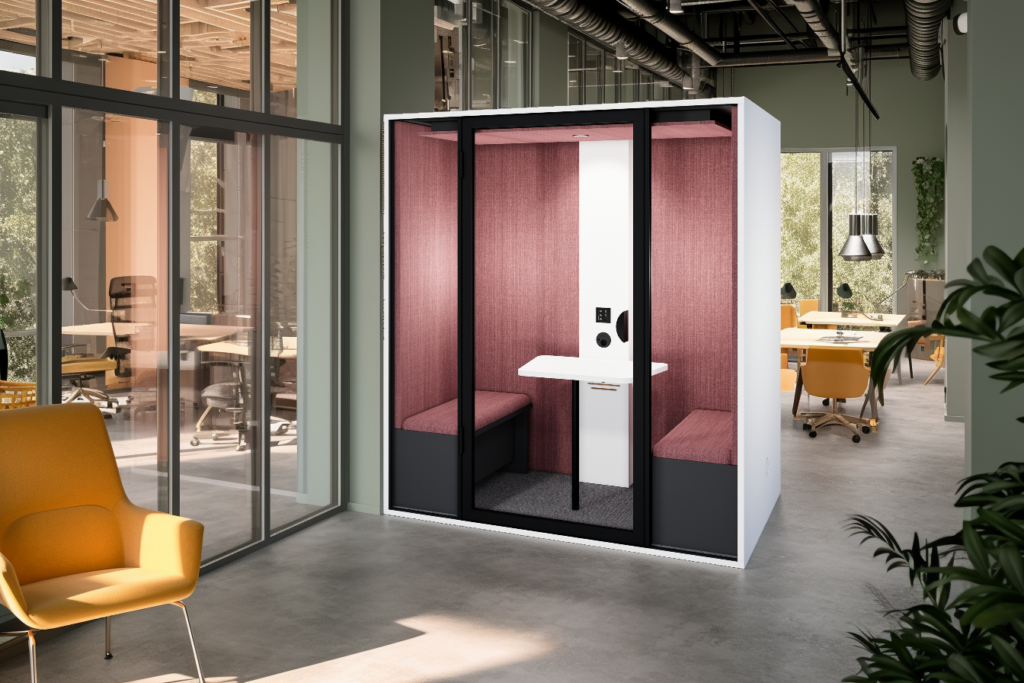
When the pace picks up, a more structured mix becomes relevant: a phone box for short calls, a desk booth for focused work, a 2-person booth (Essentielle M — 95 × 190 × 212 cm, 1.8 m², ventilation 575 m³/h) for coaching and one-to-ones.
What saves time are simple internal rules: long video calls in the dedicated booth, short calls in the phone box, and a smooth rotation.
Scale-up: creating a hub of booths
At this stage, you can distribute the booths across zones or create a centralised hub. The Essentielle L (136 × 190 × 212 cm, 2.4 m², 490 kg, ventilation 750 m³/h) serves as a micro-meeting room for demos, hybrid video calls and sensitive discussions. The Essentielle XL (160 × 190 × 212 cm, 3 m², 610 kg, 2 LED spotlights) accommodates larger meetings for up to 6 people.
For the M, L and XL models, a screen mount with a dedicated socket and cable grommet is available as an option — a practical solution for demos and pitch decks.
Adoption on this scale depends on three things: simple booking, clear signage and rotation rules.
Installation: what to anticipate
Measurements to take before ordering
Before signing, check access dimensions: lift, door and corridor widths, parking, and delivery slots imposed by the building. Weight matters too — 490 kg for the Essentielle L is a key figure to bear in mind for handling, especially upstairs.
Ceiling height must be at least 230 cm (240 cm recommended to facilitate assembly). And think ‘real-world use’: movement around the unit, door opening, and walkways.
Delivery and assembly
Essentielle assembly takes between 40 minutes (S) and 60 minutes (L and XL), with 2 to 3 people excluding handling. A key selling point for startups: the Express range offers ready-to-ship booths, delivered within 2 weeks in standard finishes — useful for relocations, new office spaces or urgent noise reduction needs.
Three-step deployment method
Step 1: map out usage patterns (one day is enough)
In a single day, you can objectively assess your needs: volume of SDR calls, volume of customer success video calls, product meetings, and focus session requirements. Categorise by type: short calls, long calls, client video calls, sensitive 1:1 sessions. This step prevents you from making decisions based on gut feeling and provides a basis for sizing.
Step 2: choose the right mix of booths (without over-equipping)
A single booth often provides immediate relief. Two to three booths create a system. Adjustments are made by observing a simple ratio: how many sales staff, how many simultaneous video calls, and at what times of the day. The aim is to solve the main problem (often calls) before adding larger formats.
Step 3: ensuring successful adoption
Adoption depends on proximity, simple rules and a light booking system where necessary. A rule that helps a lot in a start-up: no talking through the glass, to protect confidentiality and comfort. A simple internal checklist (cleanliness, ventilation, ‘occupied’ signs) is often enough. The booth works when it becomes second nature, not an exception.
Conclusion
In a start-up, the soundproof booth has a direct impact on results: greater privacy for calls, more professional video calls and renewed concentration. It’s not just an aesthetic bonus — it’s a tool for day-to-day performance.
The method remains simple: usage → format → layout → adoption. The most effective starting point is a quick audit of usage (calls, video calls, focus sessions), a layout plan, followed by a recommendation on formats based on the reality of the workspace.