
Why a soundproof booth transforms content production in the office
Producing content in the office is often more difficult than it ought to be. There’s background noise, interruptions, video calls audible from the next room, and sometimes that lack of privacy that makes it hard to concentrate for long. Quality suffers, writing becomes stop-start, editing becomes a chore, and recording a voice-over or a podcast feels like mission impossible.
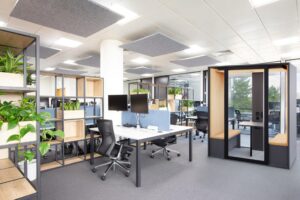
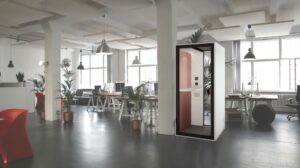
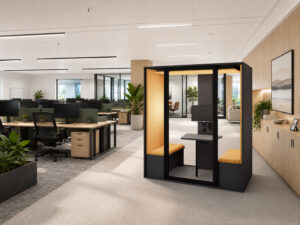
A well-chosen soundproof booth is not just a tool for making calls. It becomes a proper production studio: a place where you can run back-to-back creative sessions without having to battle against the working environment. Writing, recording, editing and holding video calls properly, in a dedicated, quiet, comfortable and plug-and-play space, without any building work.
This guide sets out a simple method for choosing the right format for your needs, detailing the criteria that really matter and providing you with concrete technical guidelines.
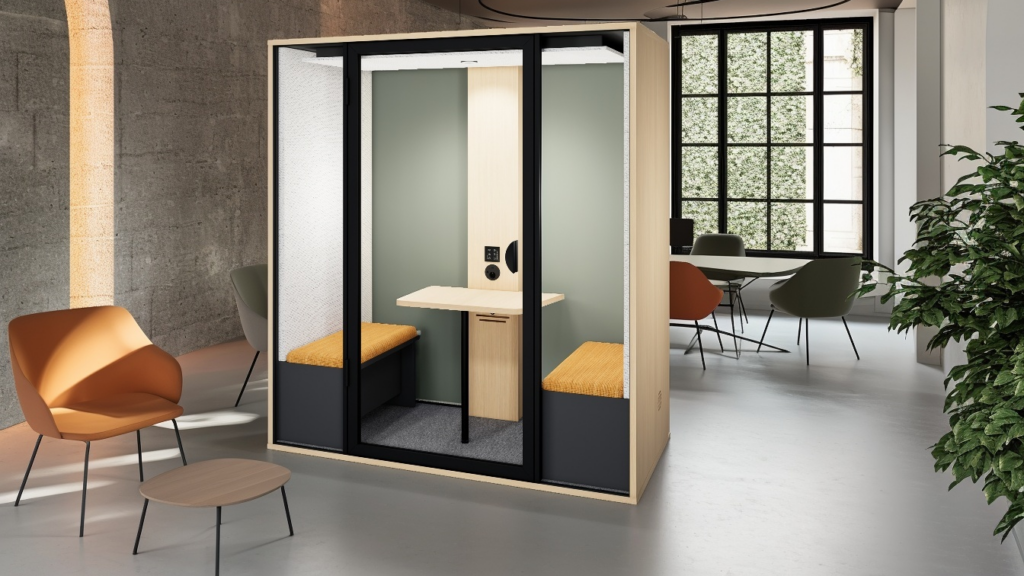
The choice hinges on three key factors
Choosing a content-focused booth is not about the brand or the design. It comes down to three very practical factors.
First, the duration of use. A booth that’s comfortable for ten minutes (a call, a proofread) isn’t necessarily comfortable for two hours of writing or editing.
Next, the type of content. Writing requires concentration and good posture. Recording your voice requires minimising internal echo. Video conferencing requires both a clear voice and a pleasant image. Editing requires comfort, easy connectivity and often a better screen.
Finally, the expected level of privacy. Sometimes we just want to minimise disruption; sometimes we want the conversation to be inaudible from outside.
Four uses, four requirements
Writing and scripts: the deep work bubble
SEO content, video scripts, email sequences, offers, landing pages. This is the work that suffers most in an open-plan office: background noise, conversations, people walking past, visual distractions. The booth becomes a deep work bubble provided it ticks three essentials: comfortable lighting, fresh air and a suitable posture (desk and seating). Without these, you end up only going in for a call.
Voice-overs, podcasts and recordings
When it comes to voice work, there are two distinct challenges. The first is to reduce incoming and outgoing noise, thereby isolating yourself from the open-plan office. The second is to avoid echoes inside, because a recording may be ‘quiet’ but sound hollow if the cabin reflects the voice. The aim is a clearer, less tiring and more intelligible voice, achieved through the cabin’s interior treatment (foam, panels, fabric).
Client video presentations
For a video call, you must not be disturbed by the open-plan office, maintain professional sound quality and sustain the session without discomfort. The key points are always the same: silent ventilation, pleasant lighting, simple connectivity and a comfortable space for the computer.
Review and working in pairs
Whenever there is a live review, approval or preparation of a presentation in pairs, the duo format saves a huge amount of time: you work together without disturbing the studio.
What makes a good booth for content creation
Ventilation: the detail that determines how long you can use it
A closed booth must renew the air quickly to remain comfortable. Otherwise, it becomes a space you avoid, even if the soundproofing is good. The longer the session, the more crucial ventilation becomes.
Key figures for the Essentielle range by model: 280 m³/h for the S and S Bureau models, 575 m³/h for the M, 750 m³/h for the L and XL. Complete air renewal is achieved in under 40 seconds across the entire range.
Lighting: essential for writing, editing and video calls
Creating content means spending time in front of a screen. The lighting must avoid the ‘dungeon’ effect and reduce eye strain. The Essentielle range features an adjustable LED spotlight up to 800 lm in warm white 3,000 K (two spotlights for the XL), with a touch-sensitive dimmer to adjust the ambience to suit the task.
Connectivity: when creating content, you’re constantly plugging things in
Laptop, charger, microphone, headphones, and sometimes a wired network to stabilise a video call. Every Essentielle booth comes as standard with: 1 x 220 V socket, 2 x USB-C ports, 1 x USB-A port and 1 x RJ45 port. Enough to cover ‘plug & play’ use without any fiddling around.
Furniture: the real difference between ten minutes and two hours
For a content-focused booth, the furniture is no mere detail. It’s the difference between ‘I’m popping in for a call’ and ‘I’m staying to produce’.
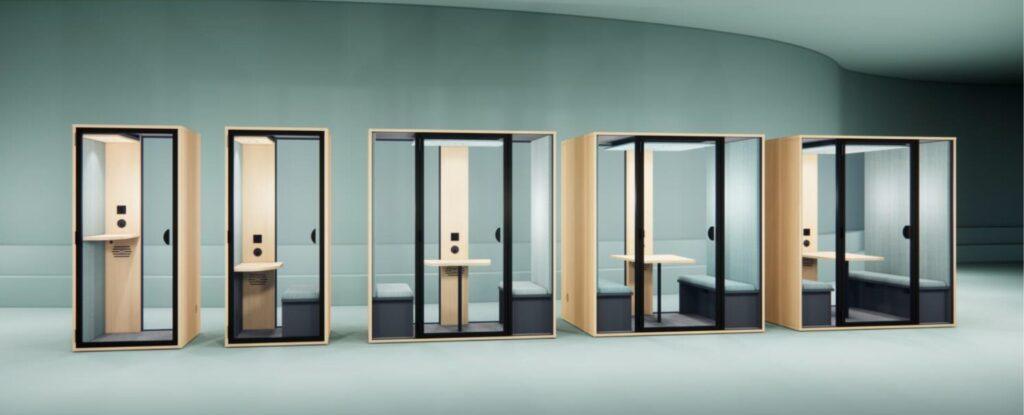
The Essentielle ranges clearly define the formats. The S features a 33 × 79 cm tabletop at a height of 103 cm, suitable for short, standing sessions. The S Bureau offers a 43 × 79 cm desk at a height of 73 cm with an 88 × 38 cm bench at 45 cm, much better suited to seated work and longer sessions. The M features a 51 × 78 cm table at 73 cm with two benches. The L features a 78 × 92 cm table at 73 cm with benches measuring 129 × 38 cm.
The monitor mount option: a real game-changer for ‘production’ use
As soon as you start editing video, holding regular video calls or want to work without relying solely on a laptop, the screen becomes a key consideration. The Essentielle range offers a highly production-oriented option on the M, L and XL models: a fixed monitor mount with a dedicated 220V socket and a cable grommet. This is what transforms a booth “where you sit down” into a booth “where you produce”.
Which format to choose
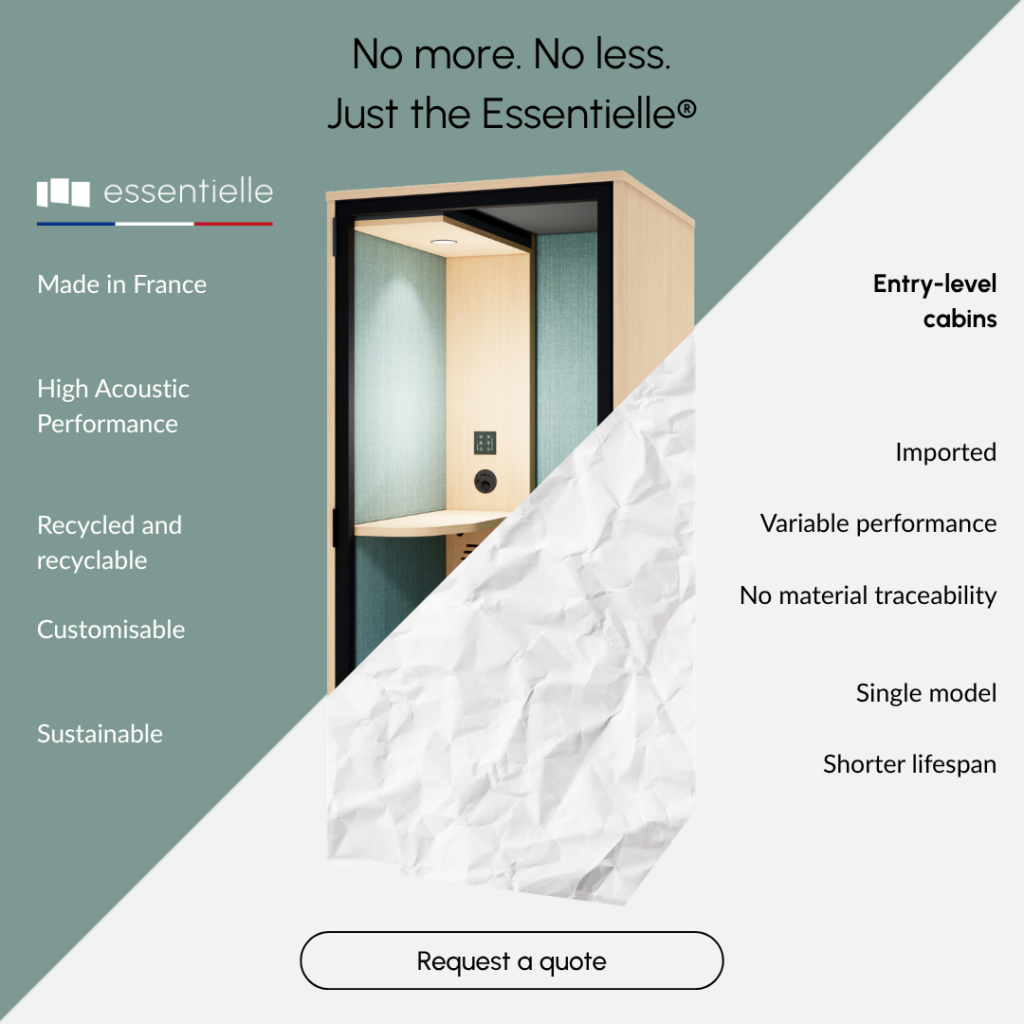
1-person phone box format (Essentielle S): for alternating between calls and quick creative work
This format is suitable for proofreading, planning, briefings, short video calls and creative sessions that don’t go on too long. External dimensions: 95 × 96 × 212 cm, floor area: 0.9 m², ventilation: 280 m³/h, speech level reduction up to −30.3 dB. Net weight: 255 kg.
1-person format with desk (Essentielle S Bureau): the best compromise for writing and producing
When the aim is to write, structure, edit and remain seated with proper posture, the booth with a desk becomes a much more logical choice. Same outer dimensions as the S model, with the desk at 73 cm and the bench seat. Net weight 270 kg.
1–2-person format (Essentielle M): when content is created in pairs
Validation, live proofreading, preparing presentations as a pair. External dimensions: 95 × 190 × 212 cm, floor area: 1.8 m², ventilation: 575 m³/h. Net weight: 400 kg.
4-person format (Essentielle L): the mini content war room
When production becomes a collaborative effort (creative meetings, team updates, approval sessions), a mini room speeds everything up. External dimensions: 136 × 190 × 212 cm, floor area: 2.4 m², ventilation: 750 m³/h. Net weight: 490 kg. The format can also accommodate a simple podcast recording depending on the setup, though it’s not a professional studio.
Layout: the rules to avoid a ‘ghost booth’
The location that maximises usage
A content booth must be close to users to be adopted. If it’s too far away, it remains a good idea on paper. Avoid areas that hinder usage: walkways, coffee areas, printers, places where one feels exposed.
Technical clearances
Two simple rules to follow. Allow at least 10 cm between the wall and the air inlets/outlets for optimal airflow. And check the ceiling height: minimum 230 cm, 240 cm recommended for set-up and working comfort.
The surrounding environment matters
The more reverberant the open-plan space, the more noise perception varies and the more attention must be paid to the layout. The acoustics of the workspace influence the experience, even when the booth performs well.
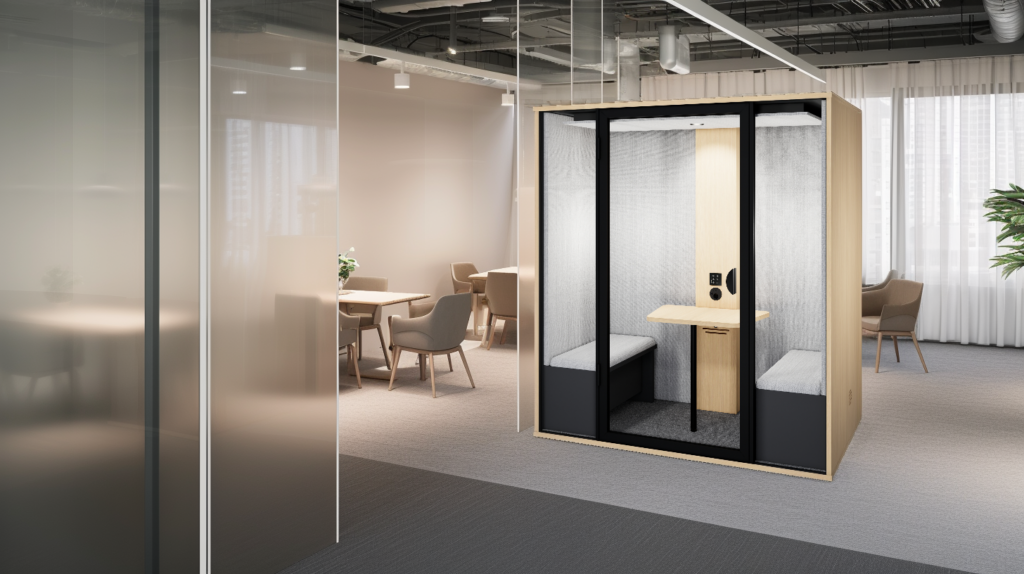
The three mistakes that cause a content booth to fail
Confusing a call centre booth with a production booth. A high-backed desk may be suitable for a quick call. But for two hours of writing or editing, it becomes a poor compromise. Content work is about posture and comfort, not just isolation.
Neglecting ventilation and location. A booth pressed up against a wall or placed in a noisy environment loses a great deal in terms of comfort. The result is always the same: it gets used less, and eventually ends up being forgotten.
Forgetting the screen. For regular editing or presentations, a laptop alone quickly becomes a bottleneck. The screen mount option with a dedicated socket and cable grommet makes perfect sense here: it simplifies use and stabilises the production station.
Conclusion
A booth designed for content creation is not a gimmick. It is a production tool, provided you choose and set it up with a simple logic: usage, format, comfort (ventilation and lighting), connectivity, location.
A good starting point is a mini-site audit: a floor plan, a few photos, your building constraints and your workflow (extensive writing, editing, frequent video calls, voice-overs). From there, recommending the right model and the right options — particularly the monitor mount — becomes much clearer. And the space is likely to be used every day.